Bring a photo
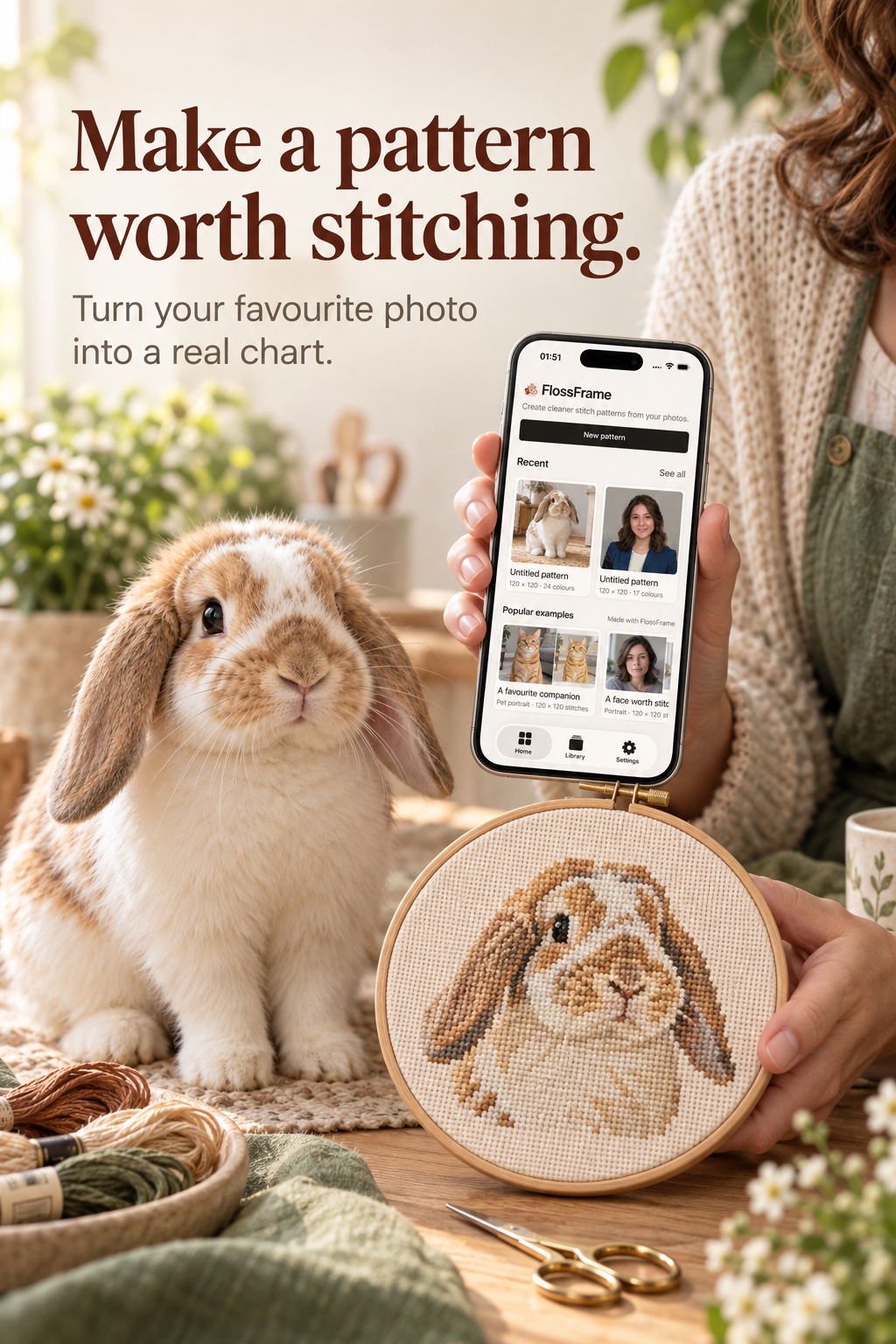
Pick a portrait, pet, place, or tiny detail. FlossFrame prepares a clean working copy and leaves the original in your library.
 FlossFrame
A SIMPLE LOOP
FlossFrame keeps the path from photo to pattern easy to understand, with enough control to make the result feel like yours.
Pick a portrait, pet, place, or tiny detail. FlossFrame prepares a clean working copy and leaves the original in your library.
Choose a style, stitch size, and finished dimensions. You can rerun the preview while you decide.
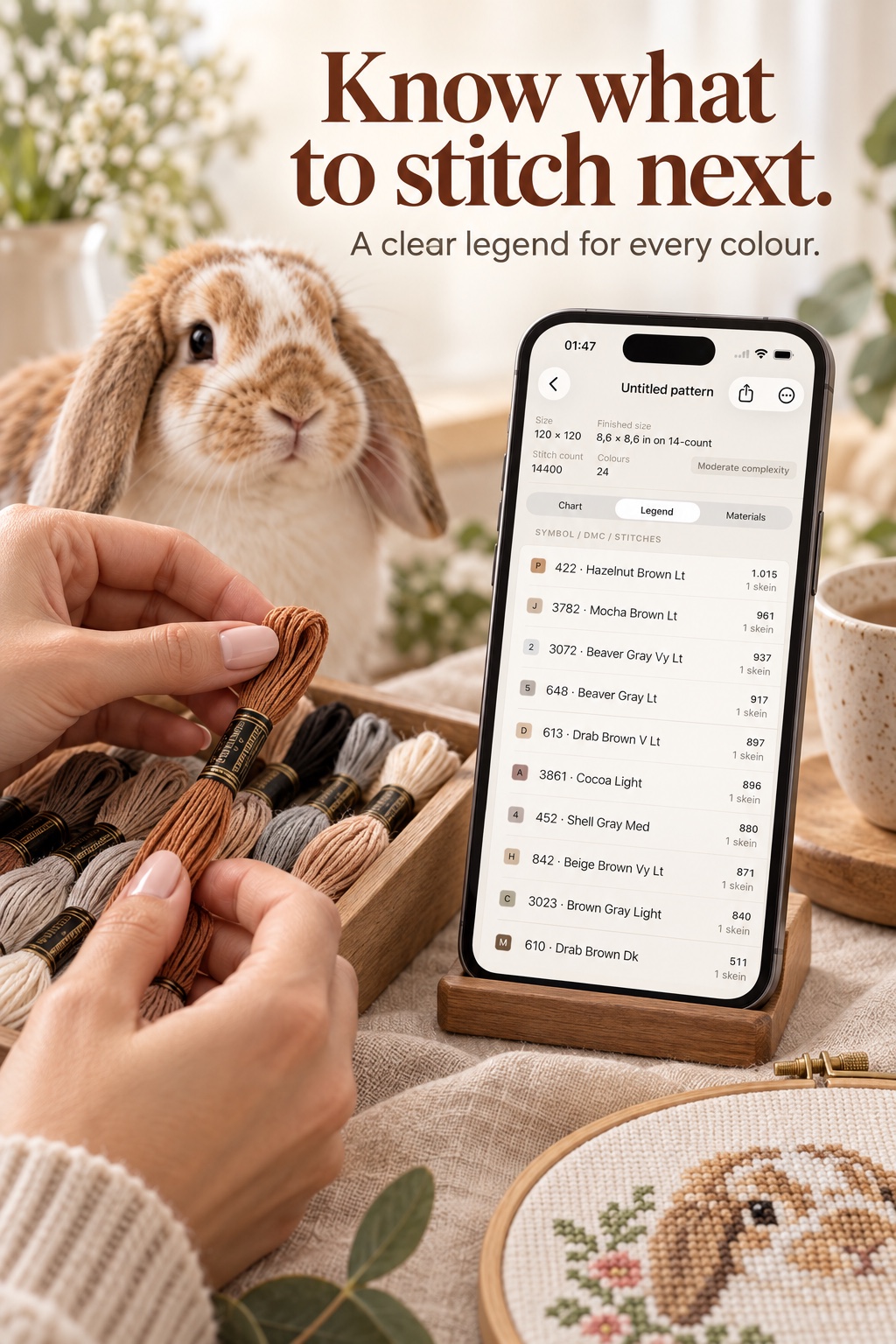
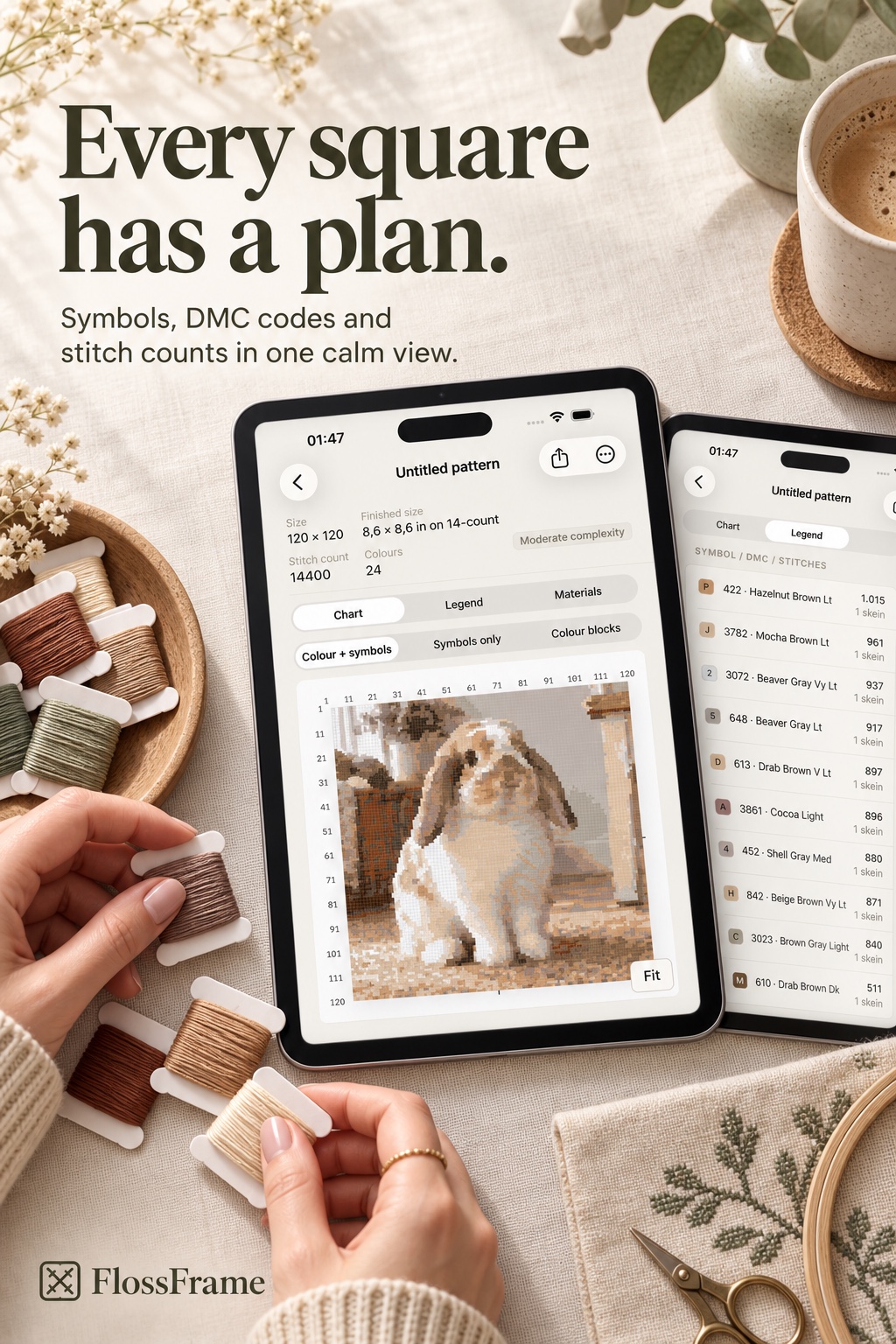
The app turns the selected image into a local chart with symbols, color mapping, and material guidance.
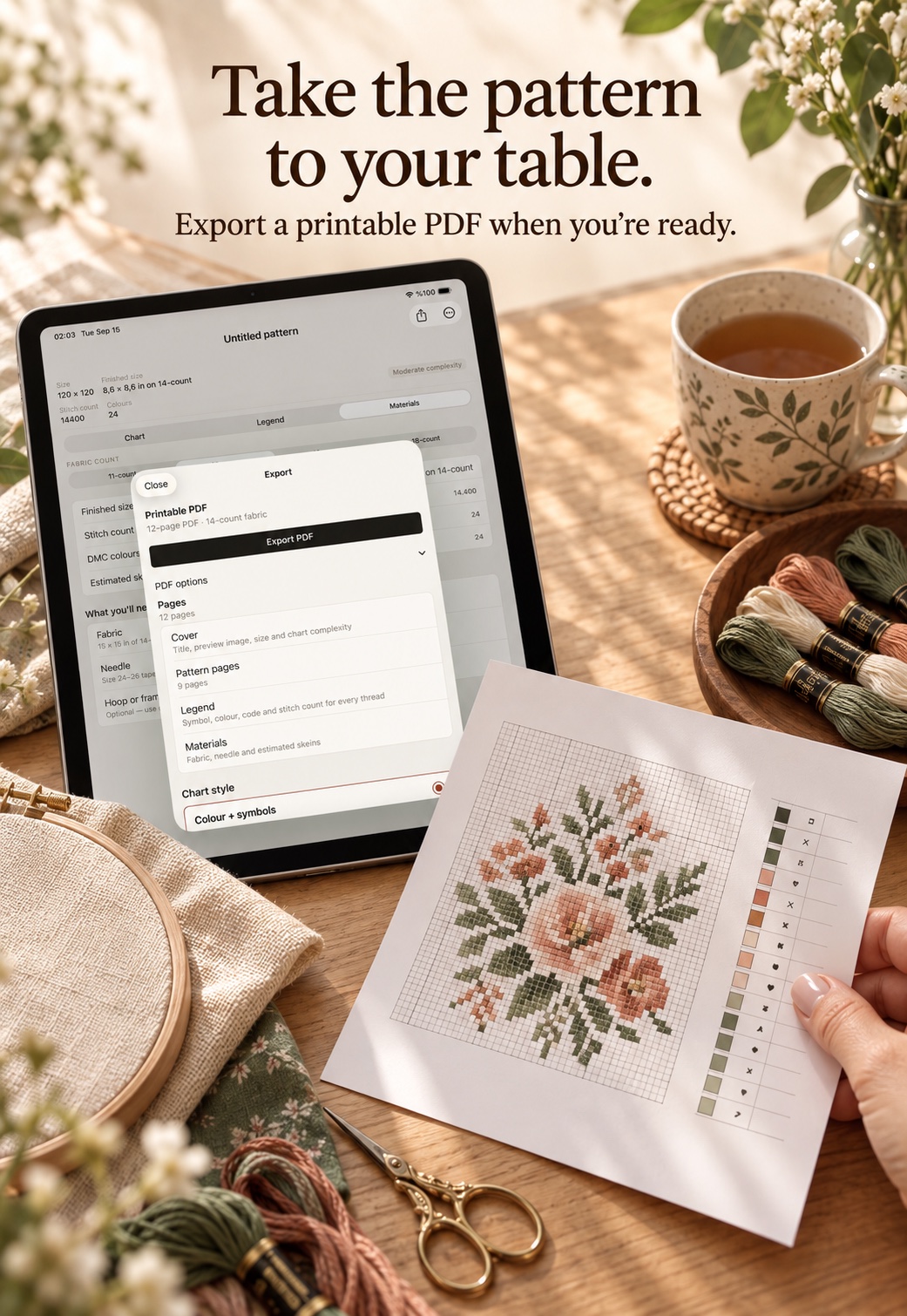
Save the project, export a PDF, and return whenever the next quiet moment finds you.
THREE WAYS TO START
A natural starting point with a little bit of everything.
Simple shapes and confident color for an easy read.
More texture and nuance when the tiny things matter.
AI helps simplify the image.
The app makes the chart. Your hands make it real.