Choose a photo
Import your picture and crop it to the part you want to stitch.
 FlossFrame
CROSS-STITCH, FROM YOUR PHOTOS
Turn a photo into a cross-stitch chart, complete with symbols, thread colours and a printable PDF. Made for iPhone and iPad.
Coming soon on the App Store
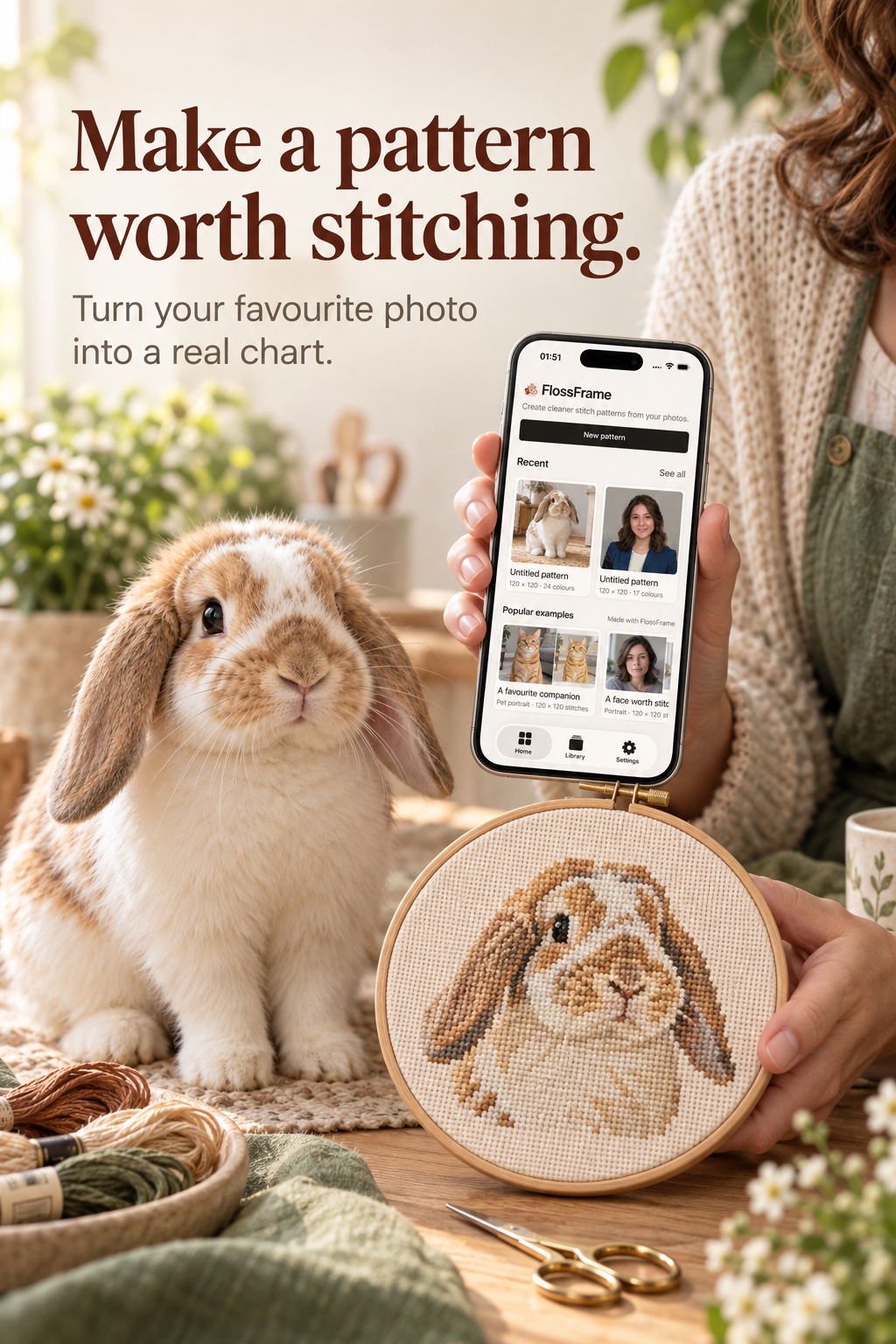
A photo you love, a project you can make.
PHOTO TO PATTERN
A pet portrait, a favourite place, a face you know by heart. Start with a photo and decide how much detail to keep.
Import your picture and crop it to the part you want to stitch.
Choose the style, size and level of detail for your project.
Open the chart and colour legend, or print a PDF to keep beside you.
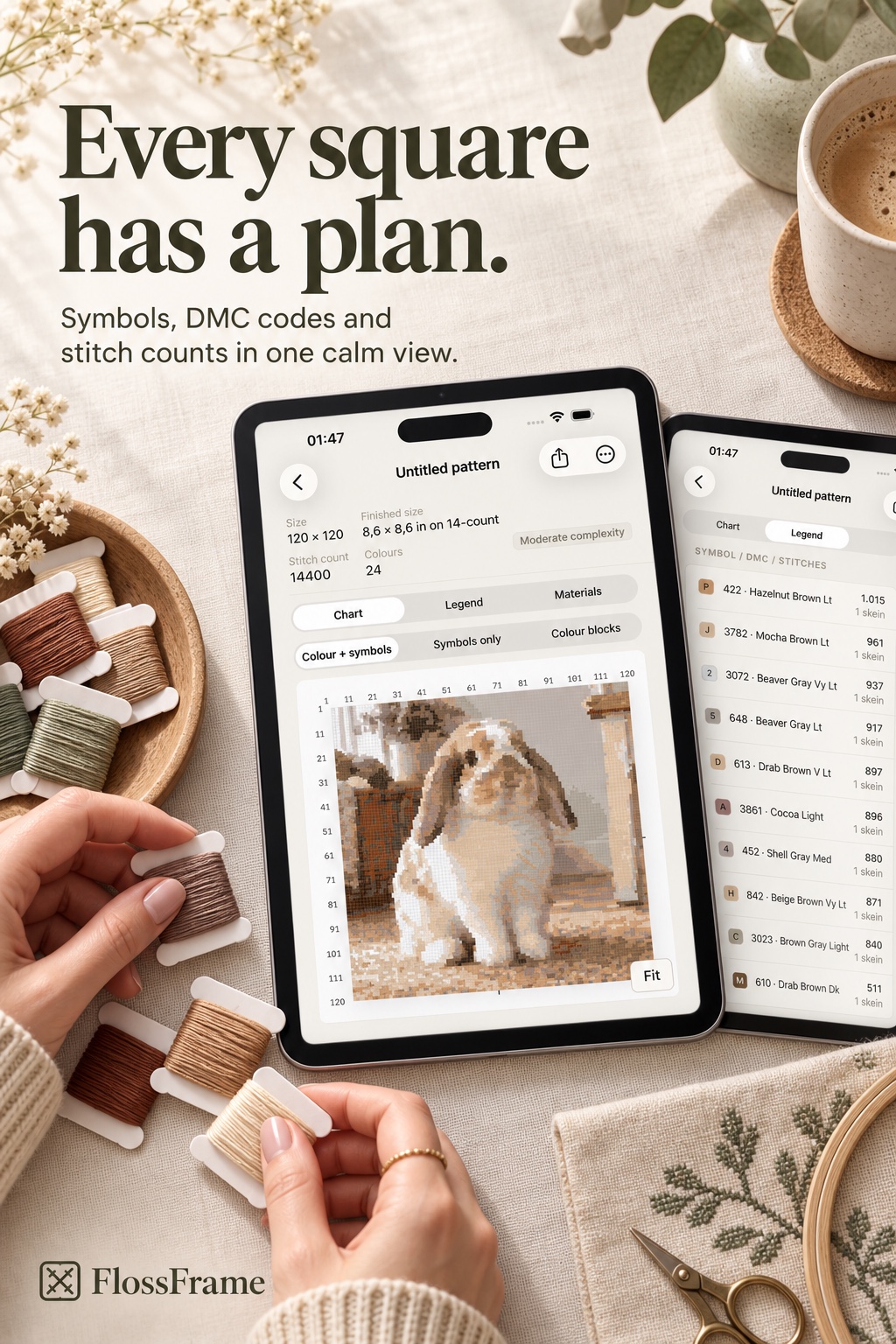
The chart and thread legend, side by side.
YOUR PROJECTS, YOUR SPACE
FlossFrame is designed around local projects and private sync. We only ask for the information needed to make a pattern, keep the service reliable, and answer support requests.
THE STITCHING NOTEBOOK
Getting started
Choose a suitable photo, crop your subject and balance detail with stitch count before making a cross-stitch chart.
Read guide : How to turn a photo into a cross-stitch patternPlanning your project
Understand how Aida count and stitch dimensions affect finished size, with a worked example for 14, 16 and 18-count fabric.
Read guide : Fabric count and cross-stitch size, explainedReading your pattern
Learn how chart squares, symbols, thread codes and stitch counts work together when you follow a cross-stitch pattern.
Read guide : How to read a cross-stitch chart and thread legendMADE FOR YOUR NEXT PROJECT